
Although both a Panasonic GH4 and an A7S are in my arsenal, I am still a big fan of the good old GH2 (hacked, of course), because it is simply a good camera and an even cheaper one nowadays (you can get used ones in good condition for 200-250$). Just a few points:
- Image quality easily good enough for the big screen when well-exposed
- Support for 24p, 25p, 50p, 60p (nice enough slowmo conformed to 24p)
- Manual setting of shutter speed, aperture, iso, white balance possible
- With a hack like Sanity you can record 1:30 – 2h of video in one take with one battery with moderate bit rate
- Decent quality swiveling display (super-valuable in some filming situations, I miss it when I have to film without one)
- Tons of good lenses available with adapters (e.g. Canon FD)
So, if you are on a really tight budget and you want to fulfil your dream of sending your first short to a festival, here’s a good starter pack:
- Panasonic Lumix GH2 used 200$
- Adapter Canon FD – Micro Four Thirds new 12$
- Canon FD 50mm 1.4 and 28mm 2.8 used together 100$
- Rode Videomic used 40$
- SD Card 32GB new 12$
Total: 364$
Anything else (light, stabilization, boom pole) can be improvised if convenience is not needed but inconvenience should not stop passionate aspiring filmmakers. So, money is not an excuse for not trying and before spending a lot more money for something you don’t know you will continue doing, give the GH2, the heart of this starter pack, a try. It’s an absolute recommendation.
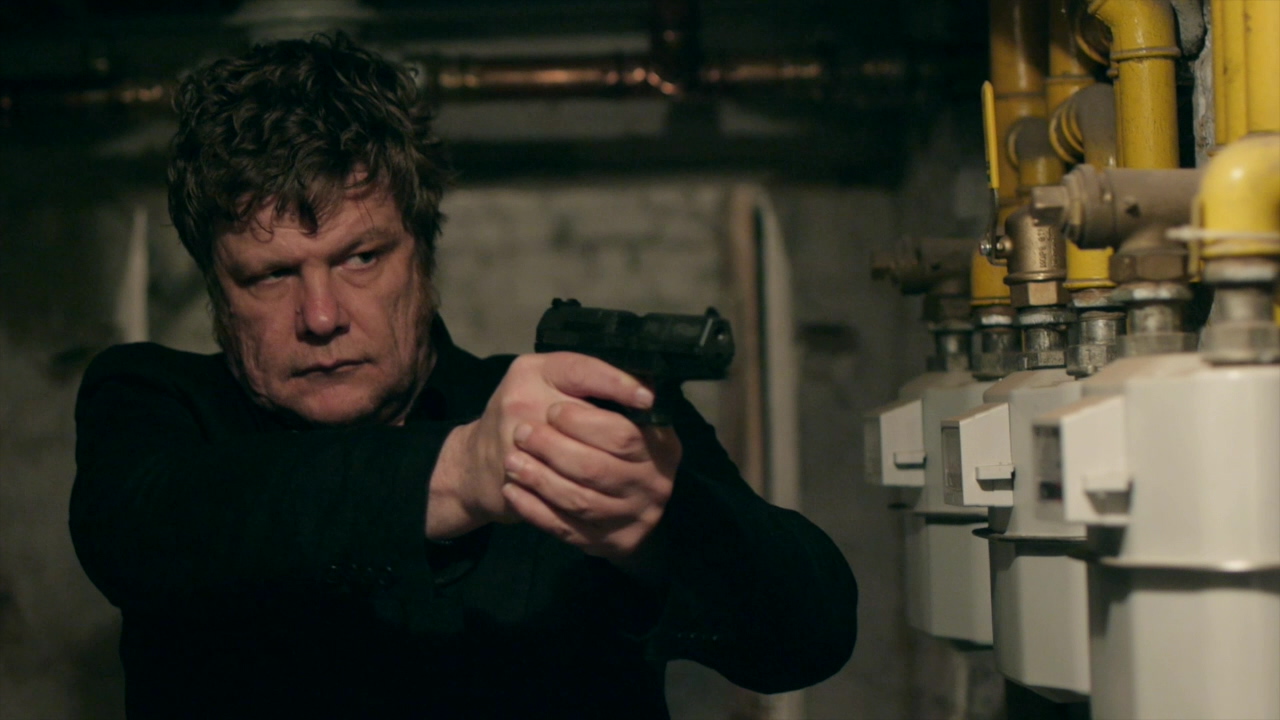
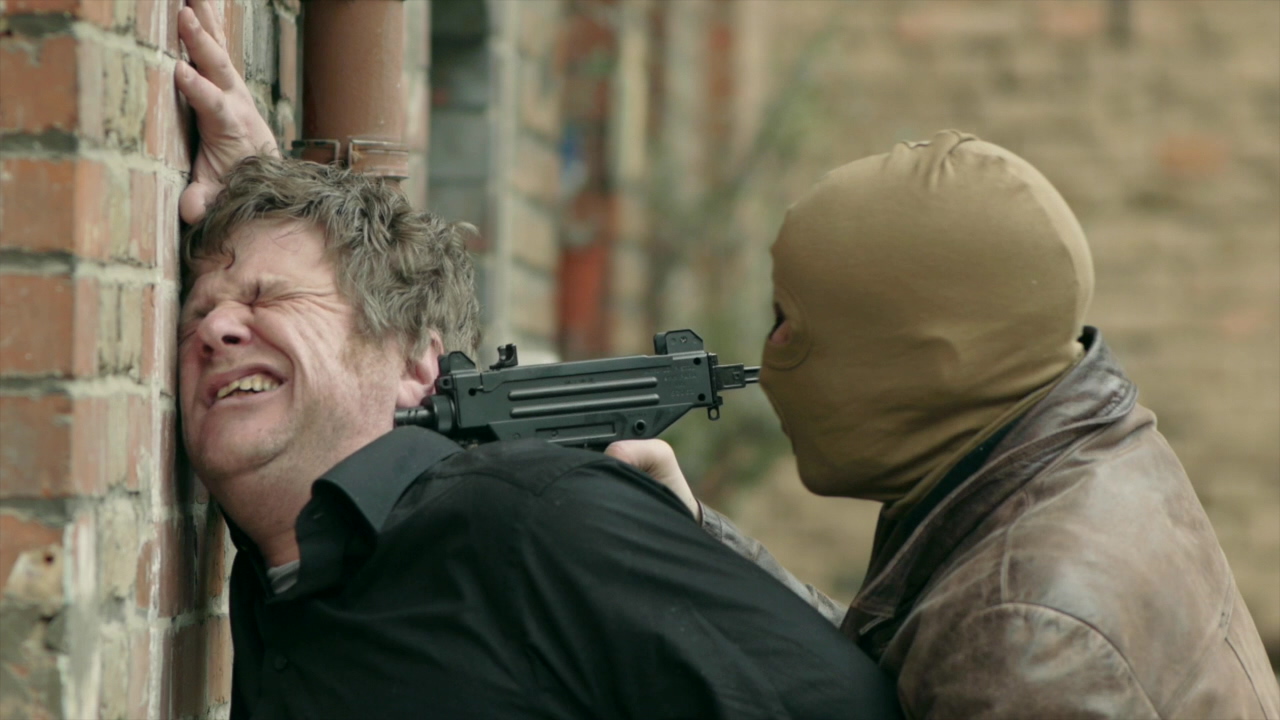
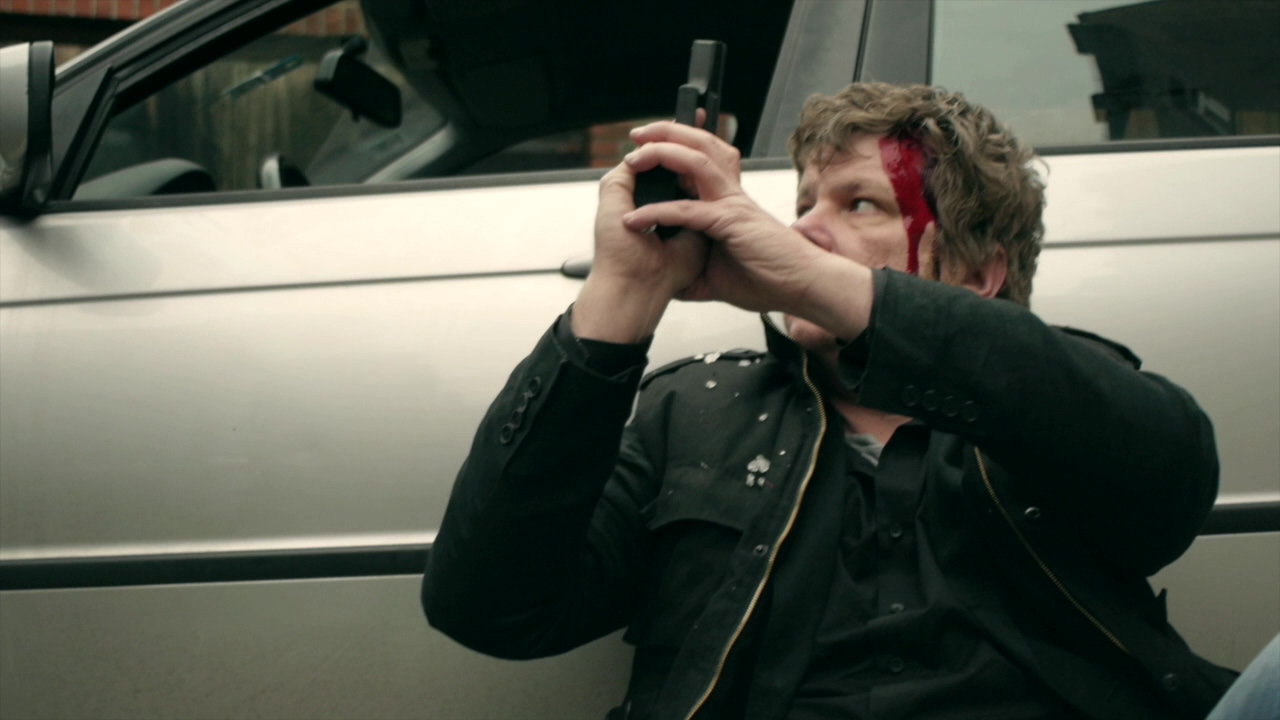
Some sample shots (all Canon FD lenses, Sanity hack, moderate grading in FCPX):

16 Mar 2016
FCPX 2016 – a second look
A while back I posted my first impressions of Final Cut X. Now a while and a few projects later it’s time to see what has changed and what has remained of those first impressions.
What has remained constant is being impressed with many of the new user interface concepts introduced with FCPX. To me it is still the best NLE I have used for just getting started and getting things done especially as an inexperienced or occasional editor. I still remember how frustrating and non-intuitive many walls were that I hit, when I edited my first project in FCP 7. Why can’t I just drag any clip boundary to make the edit longer? When does it work and when does it not? Manual reading, googling, watching tutorials, hmm … . All that kind of stuff simply works as one would expect in FCPX. The color grading user interface for me is exactly what I want for quick and simple grades. Haven’t seen anything better, period!
But what about the other side of the coin? Yes, for me it does exist. One thing is that Apple’s approach to making simple things simple has its price because for my taste they too often decide only to allow simple things period. Apple doesn’t like things that feel like “advanced options” and simply decides that you’re not supposed to need them. Want to have a vignette that has it’s axes defined separately? Want to first rotate your image and then apply an effect (letterbox comes to mind)? You simply can’t. In these cases you go plugin hunting or go find a sometimes tedious workaround (like letterboxing by overlaying a png). That does put me off.
Another thing are the structural things. No, bins are a lot more efficent for organizing and finding stuff in a larger project than keywords, because hierarchies are simply something people have learned over years and organize their folders accordingly and I have yet to find a way to not get lost in FCPXs library browser. Without any kind of hierarchy it’s pure math that things get messy once you’ve reached a certain number of clips/keywords. Either I don’t see the forest for the trees or it was simply a bad decision to get rid of bins. Another thing that totally beats me is why projects are children of events?? It’s simply the other way around. I have a project that uses clips from several shoots (which are a natural fit for an “event”). It feels simply wrong. A little annoyance but very typical for Apple’s philosophy is that specifying where to store a file I export (why t. f. call it “share”?) is hidden behind the non-default “when done: do nothing” option.
Since I typically edit smaller projects, none of these things are a deal breaker for me but I can’t get rid of that feeling that FCPX could have been by far the best NLE on the planet, had Apple been a bit less stubborn/ambitious or whatever made them do what they have done. Still, it’s a great piece of software.
